


Lose weight by plan, tracking day by day
Enter your target weight, and DiaBino calculates your daily calorie budget and macros, and shows when you can reach your goal.
You can try Plus without a card from day one: for 14 logged days, up to 30 days.
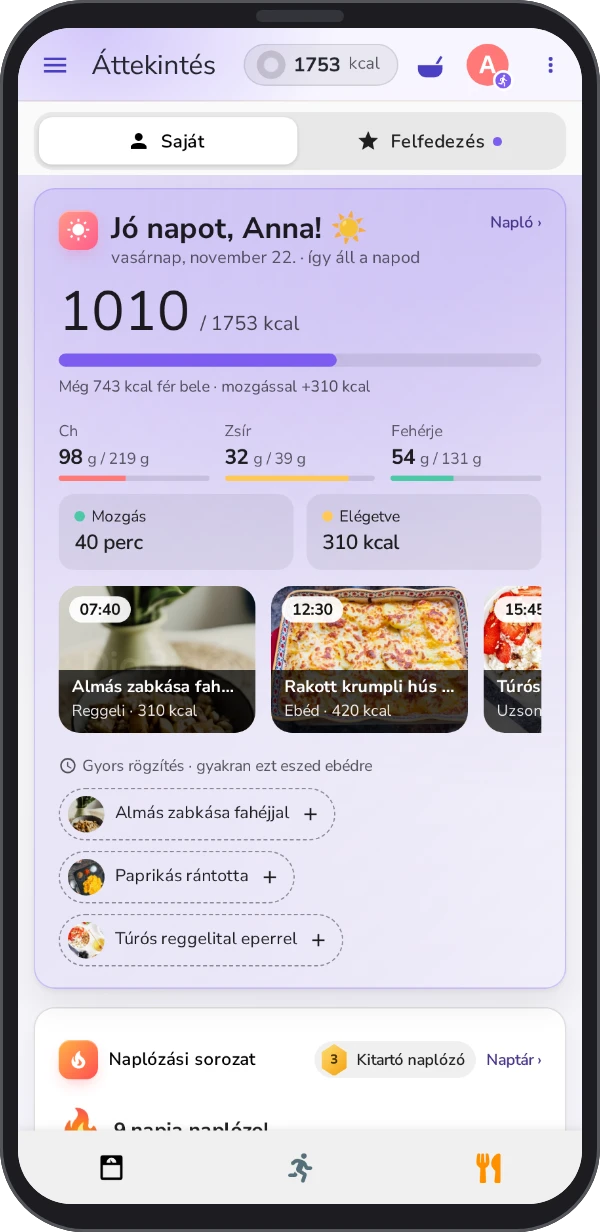
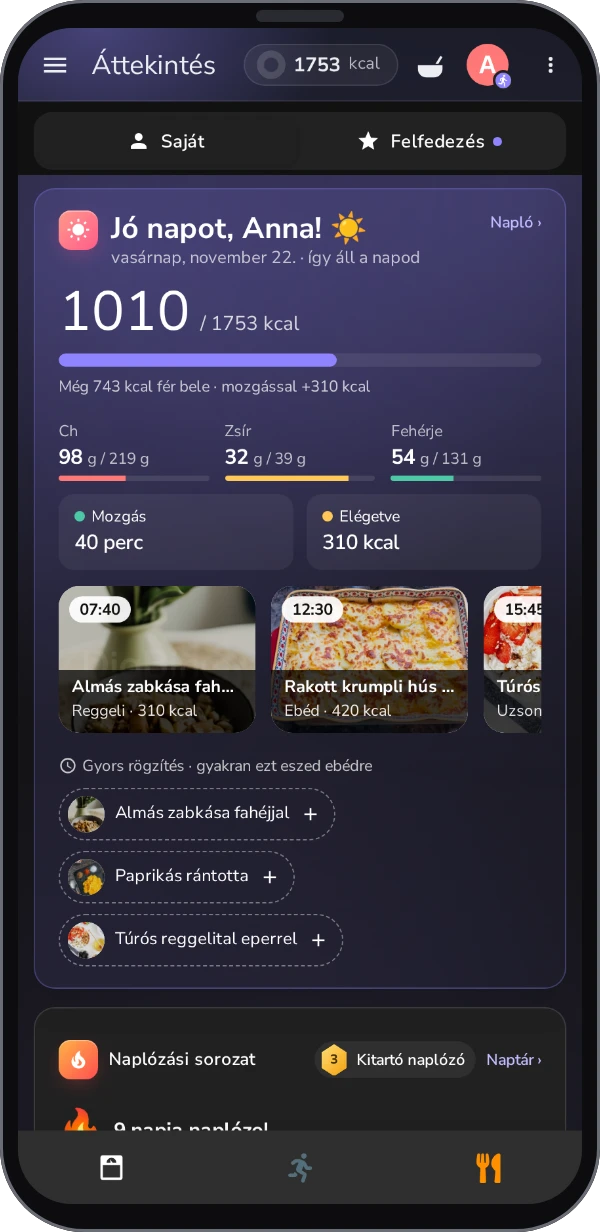
Everything you need for your goal
Daily calorie budget
A budget calculated from your height, weight and activity, which adapts to your weekly pace and grows with the calories you burn.
Food database
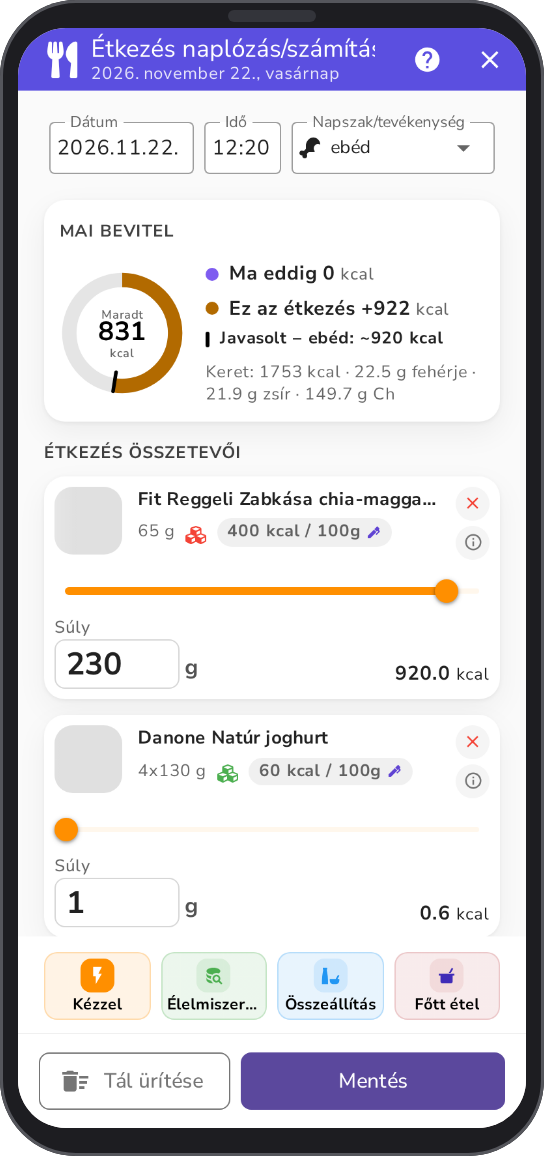
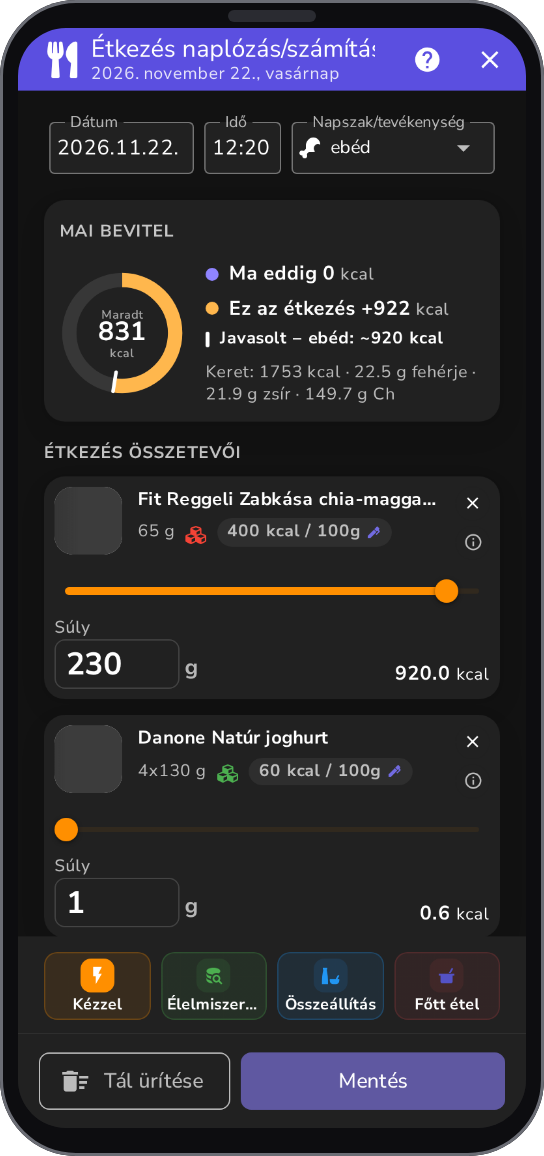
Instant information on the calorie and nutrient content of foods. Add your own foods, with a photo too.
Cooking wizard
Work out the calories and macros of a cooked dish per 100 g. With Plus you can save the finished dish with its ingredients and reuse it.
Recipes
Editorial recipes with real photos, calories per serving and an ingredient list. On the Discover tab you can browse, save favorites, check the leaderboard and submit your own recipes. Browse without signing up.
Weight and BMI diary
Log your weight, your BMI is calculated automatically, and you see the change on a chart.
Activity and calories burned
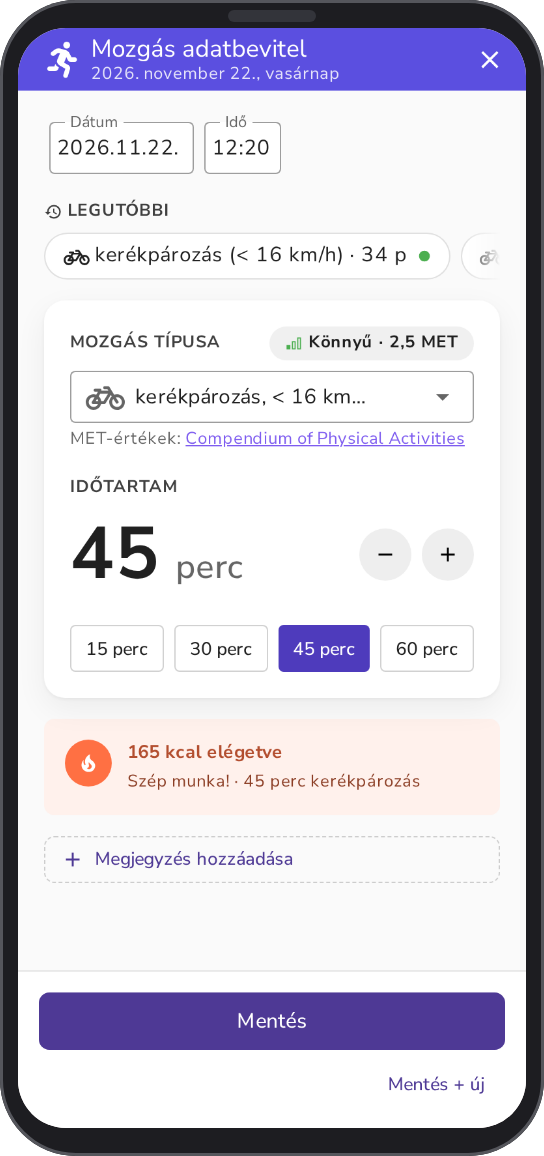
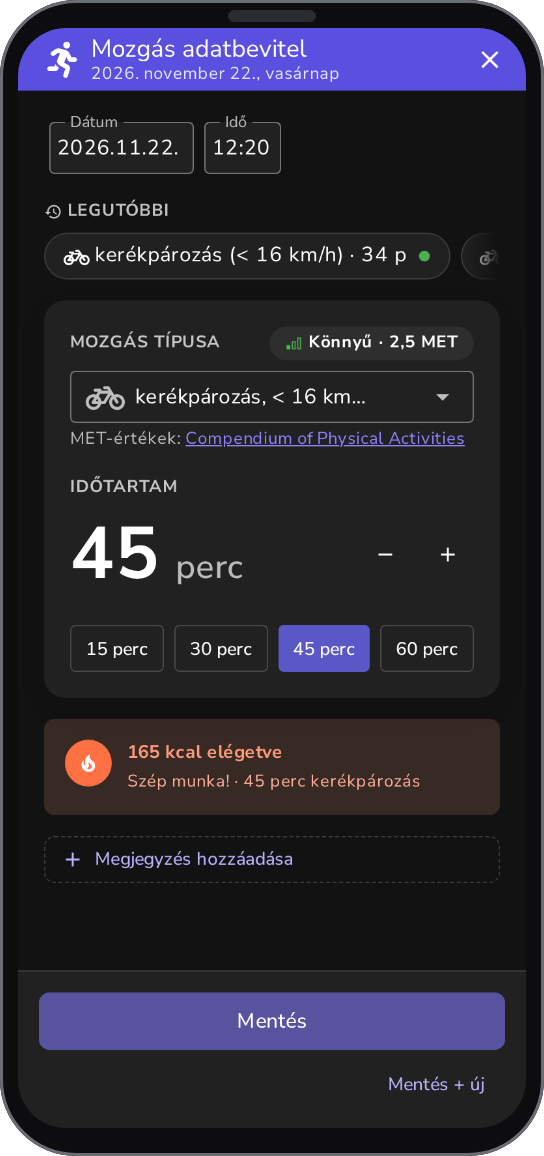
Enter the type and duration of the activity, and DiaBino calculates the calories burned.
Goal and estimated goal date
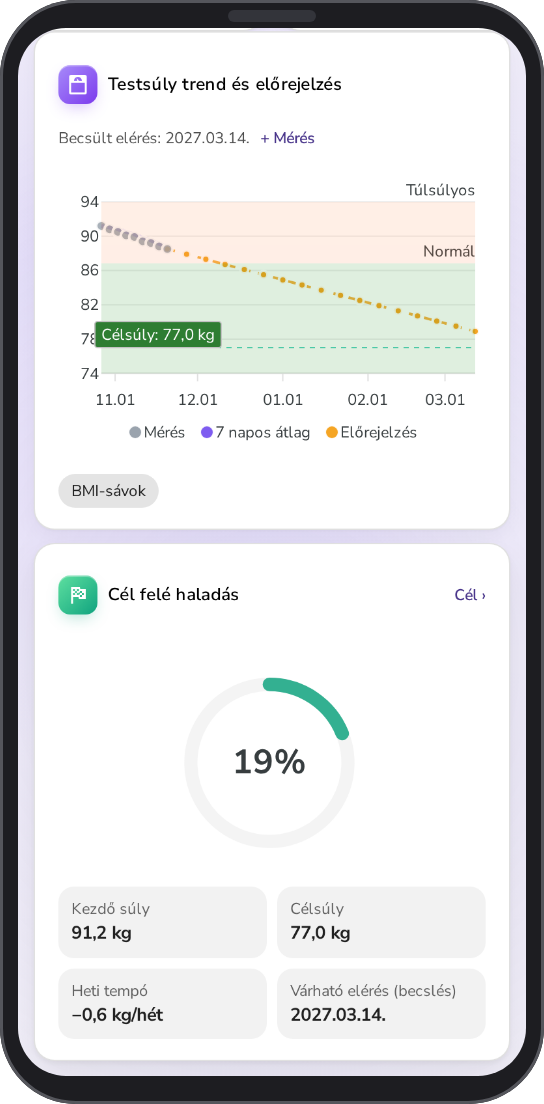
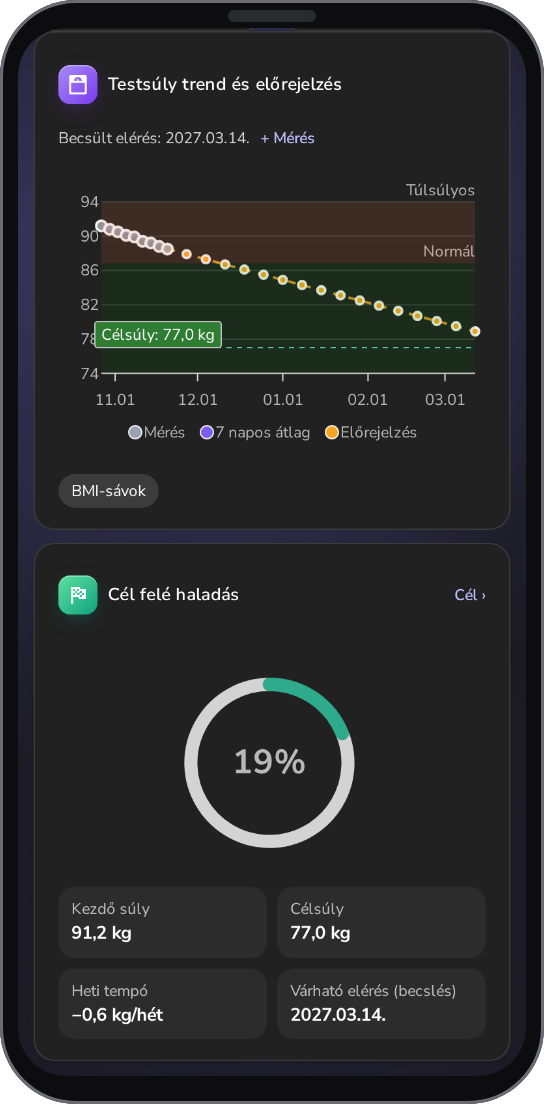
Set your target weight and weekly pace, and DiaBino shows when you can reach the finish line.
Super easy data entry
Log your meals with calories and macros, your activity by type and duration, and your weight with a quick form. You see where you stand against your daily calorie budget.
Three steps to your goal
Enter your details
Weight, height and activity level, from which DiaBino calculates your basal metabolic rate and daily needs.
Set your goal
Target weight and weekly pace, and you get your daily calorie budget and macro targets.
Log and track
Keep track of your meals, activity and weight, and the diary shows where you stand compared to your budget and goal.
See what works
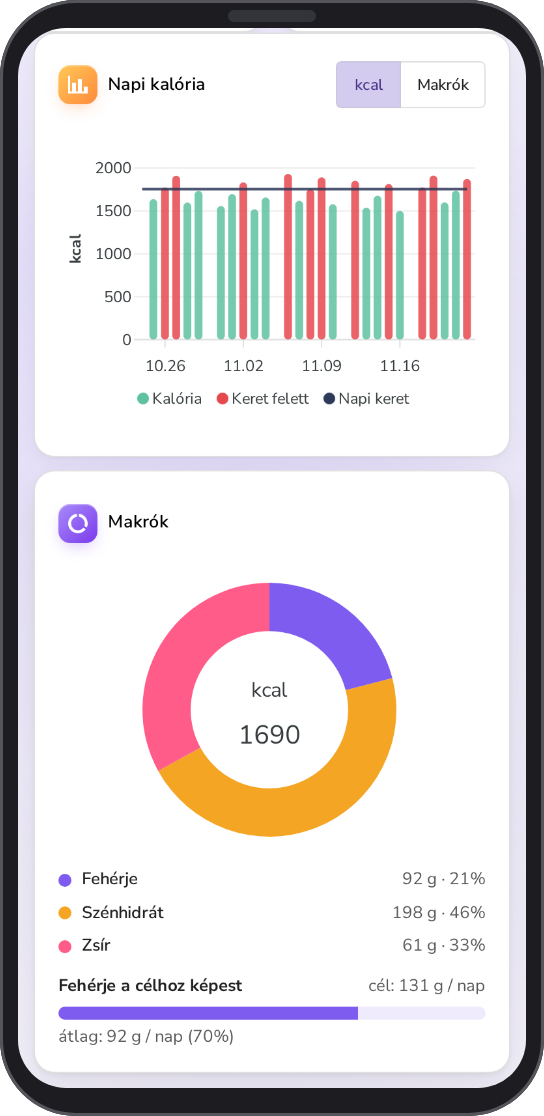
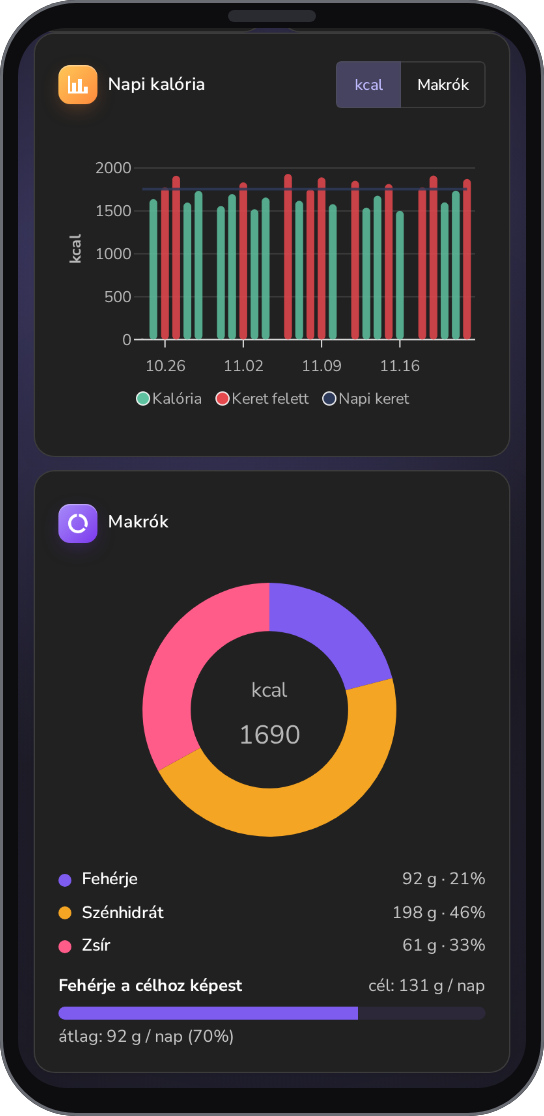
On the Health analysis chart you see your weight trend and forecast, and on the Nutrition chart your macros and when you eat. That makes it easy to find out which days brought you closer to your goal.
What else is in the app
Overview
The Mine and Discover tabs show your day, your logging streak and Recipe of the week, and What do you eat? breaks your eating down by food category.
Weight and goal
The Weight and goal tile and the Health data and goal tile show your BMI, BMR and daily calories.
Health analysis
Your weight trend and forecast, plus your blood pressure and pulse, on one chart.
Nutrition chart
Your macros, when you eat and the foods in the period, complemented by observations.
Achievements and badges
Collect levels and XP, take on weekly challenges and earn badges for regular logging.
Plate and Quick log
Log the foods you collected on the Plate together, and Quick log offers what you often eat.
Just the essentials, without the diabetes features
DiaBino was originally made for people with diabetes. If you use it for weight loss, you can turn off the diabetes-related features (blood glucose, insulin), so only calorie and weight tracking remain in the interface. This is free.
Are you a trainer or dietitian?
You can sign up to our system here if you haven't received an invitation from a client yet. DiaBino lets you, if your client shares their data with you, track their meals, activity and weight changes, and message them through the app.